Architecting Multi-Sided Marketplaces in Laravel
Architecture Overview
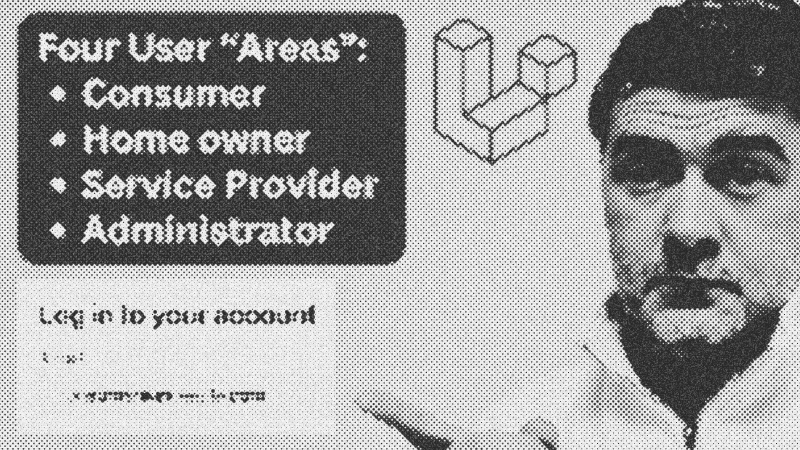
Building a multi-sided marketplace requires more than just database tables; it demands a clear separation of concerns. This structure involves three distinct user areas—Consumer, Homeowner, and Service Provider—alongside a dedicated administrative backend. By isolating these spaces, you maintain granular control over branding for public-facing users while utilizing rapid-development tools for internal management.
Prerequisites
To implement this architecture, you should have a firm grasp of PHP 8.1+ and the Laravel framework. Familiarity with Blade templating, Middleware, and Enums is essential for managing the role-based logic effectively.
Key Libraries & Tools
- Filament: An admin panel builder used here for internal system tools and CRUD operations.
- Laravel Daily Starter Kit: A minimalist Blade-based foundation for the public UI.
- Mermaid.js: Used for visualizing the flow of user roles and access points.
Code Walkthrough: Role Management
The foundation of this system is a strict PHP Enum that defines the possible user roles. This prevents string-matching errors and provides a central source of truth.
enum UserRole: string
{
    case CONSUMER = 'consumer';
    case HOME_OWNER = 'home_owner';
    case SERVICE_PROVIDER = 'service_provider';
    case ADMIN = 'admin';
}
Custom Role Middleware
To protect routes, a custom middleware checks if the authenticated user's role matches the required permission. This is registered in bootstrap/app.php using the alias role.
public function handle(Request $request, Closure $next, ...$roles)
{
    if (!in_array($request->user()->role->value, $roles)) {
        abort(403);
    }
    return $next($request);
}
Namespace Separation
Each role has its own directory in app/Http/Controllers and resources/views. This prevents massive, cluttered folders and makes the project infinitely more searchable.
Route::middleware(['auth', 'role:consumer'])->prefix('app/consumer')->name('consumer.')->group(function () {
    Route::get('dashboard', [Consumer\DashboardController::class, 'index'])->name('dashboard');
});
Syntax Notes
Notice the use of variadic parameters (...$roles) in the middleware. This allows you to pass a comma-separated list of roles to a single route group, accommodating users who hold multiple roles simultaneously.
Practical Examples
In a real estate context, a Homeowner may need to search for other properties. By allowing multiple roles in the middleware, the homeowner can access consumer routes without duplicating controllers or logic. This "overlapping role" strategy is common in marketplaces like Booking.com.
Tips & Gotchas
- Strict Enums: Avoid using a simple
rolestable if your application logic (routes, controllers, views) is tied specifically to those roles. Adding a new role requires new code, not just a database row. - Automated Testing: Always write Feature Testing to ensure a
service_providercannot access/adminor/consumerendpoints. This is your final safety net against permission leaks.
- Blade
- 15%· software
- PHP
- 15%· languages
- Booking.com
- 8%· companies
- Enums
- 8%· concepts
- Feature Testing
- 8%· concepts
- Other topics
- 46%
Laravel 3-Sided Marketplace: Structure Example
WatchLaravel Daily // 9:54
