Beyond the Big Updates: Mastering Claude Code’s Hidden Power User Features
The Analytical Edge with Insights
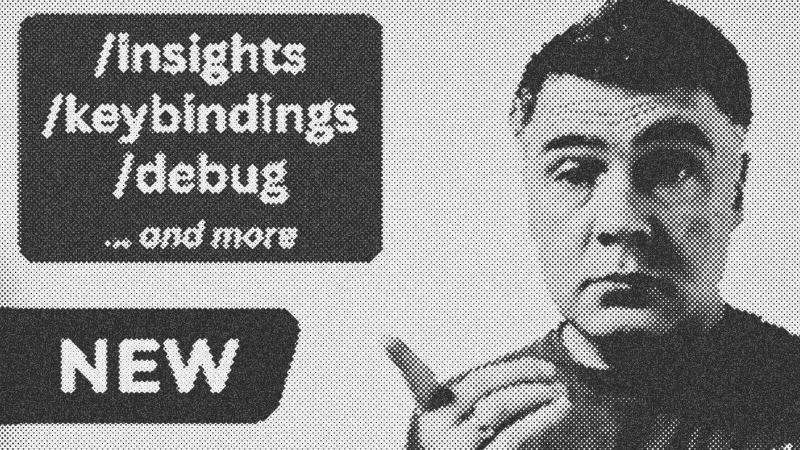
While major model updates grab the headlines, the real magic of Claude Code often lies in its incremental quality-of-life improvements. The new /insights command is a prime example. This tool generates a comprehensive HTML report analyzing your coding sessions over the last 30 days. It doesn't just list what you did; it identifies patterns in your workflow. If you are frequently hitting "debugging loops" due to missing blade directives or property type mismatches, the report flags these friction points. This level of meta-analysis allows you to refine your claude.md instructions to proactively prevent recurring errors.
Customizing the Developer Experience
Efficiency in a CLI environment often comes down to muscle memory and personal touch. The /keybindings command provides immediate access to configuration files, allowing you to audit or adjust every shortcut from chat navigation to transcript history. For those who enjoy a bit of flavor in their terminal, the "Spinner Verbs" feature adds personality to the wait time. By modifying your settings.json, you can replace standard loading messages with custom strings—like Matrix-themed "dodging bullets" or "bending spoons." It’s a small touch, but it makes the tool feel truly yours.
Intelligent Rewinding and Debugging
Software development is rarely a straight line. The /re command (or hitting escape twice) introduces a smarter way to pivot. Instead of a hard reset, it summarizes the useful parts of your previous conversation, preserving valid discoveries while discarding the failed path. Complementing this is the new /debug command. Unlike standard code debugging, this investigates the Claude Code process itself. It helps you understand why a tool call failed or why the agent didn't utilize a specific skill, providing transparency into the AI's decision-making engine.
Integrated Pull Request Workflows
Context switching is the enemy of focus. The ability to launch Claude Code directly from a GitHub pull request minimizes this friction. This integration allows the agent to pull the actual PR data into the session, enabling you to continue development or review work without manually syncing states. By following the Claude Code Changelog and developers like Lydia Hallie or Boris Cherny, you can stay ahead of these subtle but powerful enhancements that define the modern AI-assisted workflow.
- Claude Code
- 27%· products
- Ado
- 9%· people
- Anthropic
- 9%· companies
- Boris Cherny
- 9%· people
- Claude Code Changelog
- 9%· people
- Other topics
- 36%
Claude Code: 5 New "Minor" Features You May Have Missed
WatchAI Coding Daily // 6:31

This channel is not for vibe-coders. It's for professional devs who want to use AI as powerful assistant, while still keeping the control of their codebase. My name is Povilas Korop, and I'm passionate about coding with AI. So I started this THIRD YouTube channel, in addition to my other ones Laravel Daily and Filament Daily. You will see a lot of my experiments with AI: I will try new things and share my discoveries along the way.