Liene PixCut S1 brings dye sublimation and drag knife cutting to desktops
Dye sublimation meets artisanal precision
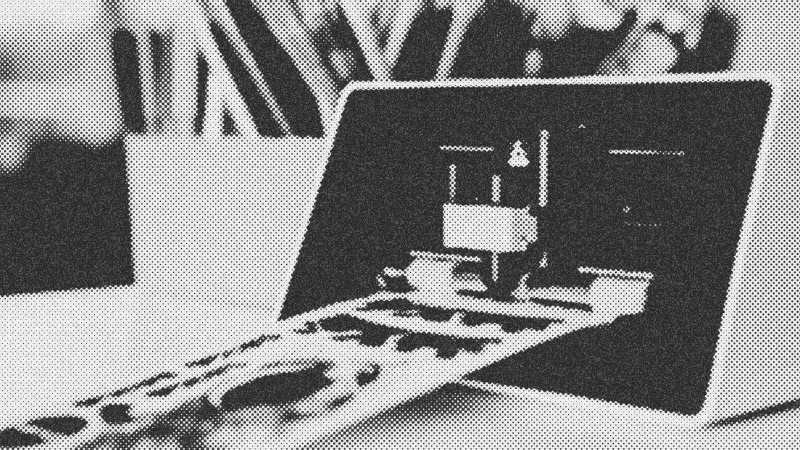
Modern digital crafting often feels fragmented, requiring a chaotic dance between separate printers and vinyl cutters. The Liene PixCut S1 challenges this disjointed workflow by integrating two distinct mechanical souls: a high-fidelity dye sublimation printer and a two-axis drag knife. This union marks a significant shift in the prosumer market, moving away from the messy tanks of inkjets and toward the clean, archival chemistry of heat-transferred ribbons. For the artisan, this represents a bridge between digital design and the tactile reality of a finished, laminated object.
Sublimation chemistry and archival quality
Unlike standard inkjets that spray droplets, the Liene PixCut S1 utilizes a CMY ribbon system. This method heat-transfers ink directly onto specialized photo or sticker paper, followed by a protective gloss lamination layer. The result is a continuous-tone image devoid of the tell-tale dithering or pixelization found in cheaper consumer units. These prints feel substantial to the touch and offer impressive resistance to UV-induced fading, a critical factor for those creating items intended for long-term display. Each cartridge yields a fixed 36 prints, creating a predictable, albeit closed, ecosystem of consumables where ink usage is decoupled from image density.
The mechanics of the integrated drag knife
Once the four-pass printing process concludes, the machine engages its internal cutting head. This component functions similarly to a miniature Cricut, utilizing a drag knife that rotates 360 degrees to follow complex outlines. While it lacks the absolute geometric perfection of a laser cutter, the Liene PixCut S1 handles curves with a organic fluidity. There is a slight mechanical margin of error—roughly a millimeter of drift from top to bottom—which the software compensates for by adding a default white stroke or "buffer" around images. This ensures that even if the registration isn't surgically precise, the final sticker looks intentional and professional.
Software limitations and the professional hurdle
The hardware's elegance is unfortunately met with a software environment that leans heavily on automated cloud processing. While the background removal tools are surprisingly effective for casual users, professional designers will find the lack of native vector support frustrating. Creating complex shapes requires a workaround involving transparent PNG files, and the current software lacks sophisticated "nesting" features to minimize material waste. For a machine that costs nearly $300 and utilizes proprietary paper, maximizing every square inch of the sticker sheet is an economic necessity that the software does not yet prioritize.
A verdict for the small-batch maker
The Liene PixCut S1 sits in a unique niche. At 60 cents per sticker sheet, it is too expensive for idle play but perfectly priced for prototyping or small-batch convention sales. It offers a tangible sample of a design in minutes, allowing an artist to verify scale and color before committing to a commercial print run. It is a specialized tool for the serious maker who values the marriage of high-quality imagery with the convenience of automated finishing.
- Liene PixCut S1
- 57%· products
- Cricut
- 14%· companies
- Liene
- 14%· companies
- Norman Chan
- 14%· people
This Photo Printer Also Cuts Stickers: PixCut S1 Review
WatchAdam Savage’s Tested // 18:40

Adam Savage’s Tested is a content platform and community playground for makers and curious minds. On Tested.com, the highly- engaged Tested YouTube channel, and at conventions and events, dynamic makers share ideas and inspire each other to build their obsessions. Led by Adam Savage, the Tested team explores the intersection of science, popular culture, and emerging technology, showing how we are all makers. Adam also takes viewers behind the scenes of films, TV shows, theater, and museums, shining a spotlight on the craftspeople and artists who make the magic we all enjoy. Tested is also: Norman Chan, Joey Fameli, Josh Self, Kristen Lomasney and Thomas Crenshaw.