Hardening Email Registration with Ashley Allen's Email Utilities for Laravel
Overview
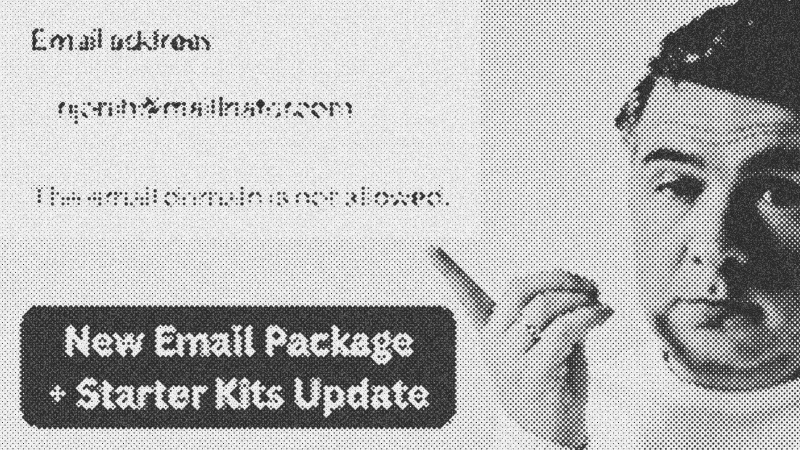
Validating email addresses goes beyond checking for a correctly placed @ symbol. To maintain high-quality user data and prevent spam, developers must filter out disposable domains and identify role-based accounts. Ashley Allen recently released Email Utilities, a Laravel package designed to streamline these checks. This tool integrates directly into the validation layer to block "burn" addresses from services like Mailinator.
Prerequisites
To follow this guide, you should have a baseline understanding of the Laravel framework, specifically how validation rules and Composer work. Familiarity with Laravel Fortify is beneficial, as modern starter kits now rely heavily on its action-based architecture for authentication logic.
Key Libraries & Tools
- Email Utilities: A package for domain validation, disposable email detection, and role account identification.
- Laravel Fortify: A backend-agnostic authentication engine for Laravel.
- Composer: The standard PHP dependency manager.
Code Walkthrough
Installation
First, pull the package into your project and publish the configuration file to customize the domain lists if necessary.
composer require ashallendesign/email-utilities
php artisan vendor:publish --tag=email-utilities-config
Implementing Validation in Fortify
Since Laravel starter kits recently shifted from controllers to Laravel Fortify actions, you must apply rules within the CreateNewUser action class located at app/Actions/Fortify/CreateNewUser.php.
use AshAllenDesign\EmailUtilities\ValidationRules\EmailDomainIsNotDisposable;

// Inside the create method validator
'email' => [
    'required',
    'string',
    'email',
    'max:255',
    'unique:users',
    new EmailDomainIsNotDisposable(),
],
Advanced Domain Filtering
You can also use the Email object to enforce custom domain restrictions using wildcards.
use AshAllenDesign\EmailUtilities\Objects\Email;

// Rule to allow only specific subdomains
(new Email($value))->domainIs('*.edu');
Syntax Notes
The package utilizes modern PHP object-oriented patterns. Instead of simple string-based rules, it provides dedicated rule classes. This approach improves IDE autocompletion and allows for fluent method chaining when configuring the Email object for manual checks.
Practical Examples
Beyond blocking spam, identifying role accounts (e.g., info@, admin@) is critical for B2B applications. Registering a user under a generic company email can lead to lost access when an employee leaves the firm. Using the isRoleAccount method allows you to flag these registrations for manual review or warn the user during signup.
Tips & Gotchas
Recent updates to Laravel starter kits removed traditional authentication controllers. If you are looking for RegisteredUserController, you won't find it. You must now look into app/Actions/Fortify to modify registration logic. For beginners, this abstraction can be confusing; stick to Laravel Breeze if you prefer the standard MVC controller approach.
- Laravel
- 27%· products
- Laravel Fortify
- 20%· products
- Composer
- 13%· products
- Email Utilities
- 13%· products
- Ashley Allen
- 7%· people
- Other topics
- 20%
New Laravel Package for Emails and Important Starter Kits Change
WatchLaravel Daily // 12:32
