NE555 chip powers simple AliExpress doorbell kit
Reviving a classic with the NE555 timer
Building a NE555-based doorbell kit is a rite of passage for any hardware enthusiast. This chip, which hit the market in 1971, remains a cornerstone of DIY electronics because it is versatile, robust, and dirt cheap. While modern microcontrollers can handle these tasks, there is a tangible satisfaction in assembling a purely analog circuit where every component has a visible, physical job. This specific kit, sourced from AliExpress, uses the venerable timer to create a dual-tone "ding-dong" chime that feels like a throwback to the electronics magazines of the 80s and 90s.
Tools and components for the build
To get this project off the ground, you need a basic soldering station and a few hand tools. The kit itself includes a small PCB, a speaker, and a handful of through-hole components. You will find four 47K resistors, two diodes, three 10nf ceramic capacitors, and two electrolytic capacitors (one 10uF and one 100uF).
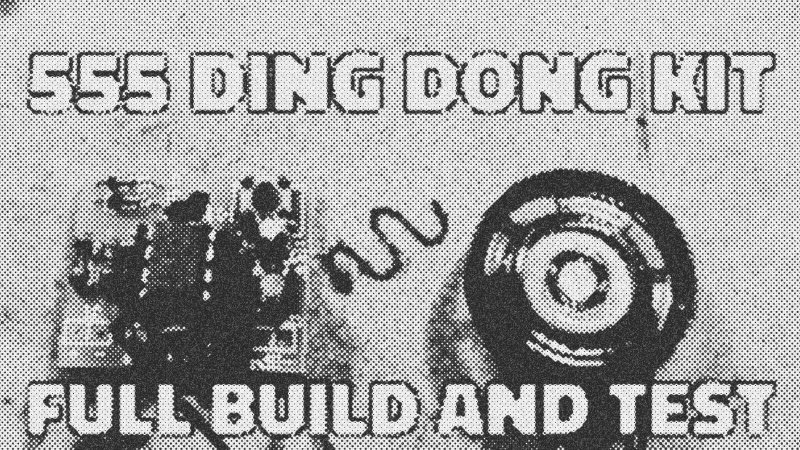
You also need a Soldering Iron, side cutters, and ideally, an IC alignment tool. Because the components are packed tightly onto a cost-optimized board, precision is key. A helping hand tool or a bit of masking tape can keep things from shifting while you work. For power, a bench supply or a 5V USB source works best; avoid standard AA batteries for long-term use, as the quiescent current draw of about 2mA will drain them faster than you might expect.
Low-to-high assembly strategy
The secret to a clean build is working from the smallest components to the largest. Start by bending the leads of the resistors and diodes. The spacing on this board is tight, so fold the leads close to the component body. Resistors are non-polar, but the diodes must face the correct direction—align the band on the diode with the mark on the PCB.
Once the low-profile parts are in, move to the ceramic capacitors and the IC socket. Never solder the NE555 chip directly to the board if a socket is provided; the heat from a soldering iron can easily fry the internal transistors. Finally, install the electrolytic capacitors and the tactile switch. Remember that electrolytic capacitors are polarity-sensitive. The long lead is positive, and the shaded stripe on the side marks the negative terminal. Reversing these can lead to a literal "pop" when you apply power.
Proper soldering technique prevents failures
Most kit failures stem from poor soldering technique rather than faulty parts. Avoid the "paint-on" method where you melt solder onto the iron and then try to transfer it to the joint. This boils off the flux—the cleaning agent inside the solder—before it can do its job. Instead, heat the pad and the component lead simultaneously with the iron tip for a second, then feed the solder directly into the joint.
If you find yourself struggling with the tiny wire supplied for the speaker, don't be afraid to cheat. Tin the pads on the copper side of the board and solder the wires flat against them rather than fumbling to poke them through the miniscule holes. It’s a pragmatic fix that makes the final assembly much less frustrating.
Circuit logic and two-tone chime physics
The magic happens through a clever manipulation of the NE555 timer's discharge and reset pins. When you press the button, it charges a capacitor that pulls the chip out of its reset state, allowing it to oscillate. Simultaneously, a diode bypasses one of the resistors in the timing circuit, increasing the frequency to create the high-pitched "ding."
When you release the button, the diode stops conducting, and the current must travel through an additional resistor. This lowers the oscillation frequency, producing the lower-pitched "dong." The capacitor slowly discharges through a resistor, keeping the chip active just long enough to complete the second tone before the circuit returns to standby. It is a masterclass in analog efficiency, using just a few cents' worth of silicon to mimic a mechanical chime.
Troubleshooting and final testing
If the circuit doesn't produce sound, check for solder bridges between the tiny pads. A magnifying glass is your best friend here. Also, verify that the notch on the NE555 chip matches the notch on the socket. If you've accidentally fried the chip by overheating the socket during assembly, don't sweat it—the 555 is cheap enough to replace without breaking the bank. Once powered at roughly 5V to 9V, you should hear a crisp, clear chime. Mounting the speaker inside a small plastic project box or even a hollow cavity will significantly boost the volume, turning a quiet beep into a functional home doorbell.
- NE555
- 67%· products
- AliExpress
- 17%· companies
- Soldering Iron
- 17%· products
Very simple 555 based doorbell kit
Watchbigclivedotcom // 26:31

The trashiest electronic channel on YouTube. We test and use affordable electronic soldering equipment and tools to build, teardown, modify (and sometimes destroy) random electronic stuff. A British TV licence is NOT required to view my videos or almost every other video on YouTube. Many of the builds and projects featured here operate at full mains voltage and carry a high risk of shock and fire. As such they're really intended for either entertainment value or for those who do similar stuff. The videos are generally uncensored and may contain tasteless jokes, profanities and even blood and electric shocks when things go wrong. So just like a normal workshop really. So kick back, grab a beer and enjoy the ride.