Fixing the Flaw: A Deep Dive into the Aneng 623 Display Repair
Resurrecting the Aneng 623
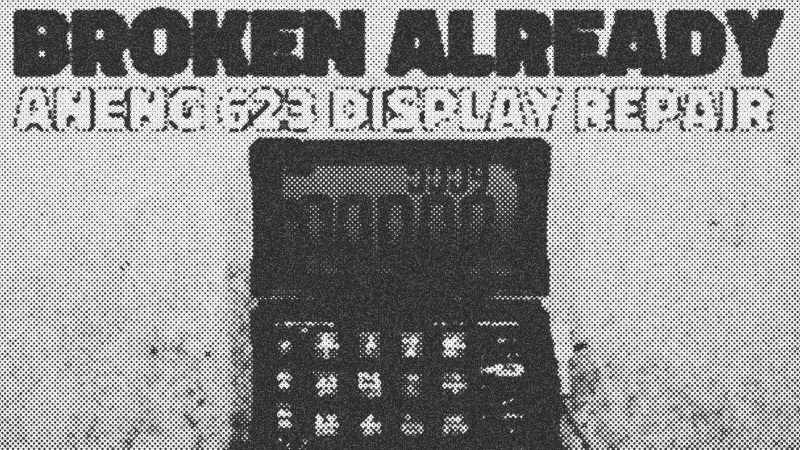
There is nothing more frustrating than a tool that fails right when you start to appreciate it. The Aneng 623 is a foldable automotive multimeter with a large, bold display that makes it a favorite for bench work. However, its greatest strength—the folding hinge—is also its fatal flaw. Frequent movement puts immense stress on the internal ribbon cable, leading to intermittent display failures or total blackouts. This guide transforms that frustration into a hardware victory by replacing that flimsy ribbon with a robust wired harness.
Tools and Materials for the Job
You cannot fix a precision instrument with blunt force. You need a standard Phillips head screwdriver, but take care with the different screw lengths used throughout the chassis. A sharp hobby knife is necessary to pry out the adhesive rubber bungs hiding the screws on the display housing. For the actual repair, grab eight lengths of thin, flexible copper wire. Standard ribbon cables are prone to cracking under fatigue; individual stranded wires offer far better longevity. You will also need a soldering iron with a fine tip, heat shrink tubing, and some UV-cured resin to provide strain relief at the solder joints.
The Disassembly Process
Start by opening the base section. Remove the five screws, noting that the ones near the hinge are different lengths. Forgetting this detail is a recipe for a "crunch" when a long screw pierces a circuit board during reassembly. Once the base is open, disconnect the 1,800 mAh lithium battery and the charging port connector immediately to prevent shorts. Moving to the display, pry out the rubber bungs and remove the six screws underneath. The display housing should pop apart, revealing the cramped hinge area where the ribbon cable is likely mangled or snapped.
Wiring for Longevity
The cleverest part of the Aneng 623 design is the inclusion of parallel solder pads that mimic the eight ribbon cable connections. Instead of hunting for a proprietary replacement cable, solder your eight flexible wires directly to these pads. Cut your wires to roughly 50 mm. While 25 mm might seem cleaner, the extra length allows you to tuck the excess into the ample space around the PCB, reducing tension on the joints. Use a small piece of heat shrink through the hinge to act as a protective conduit for your new harness.
Correcting the Design Error
Pay close attention here: there is a documented design inconsistency on the PCB traces. If you wire the contacts in a perfect 1-to-1 linear fashion, your backlight colors will flip. To ensure the meter lights up green for normal operation and red for anomalies, you must swap the connections for PT2.2 and PT2.3 at the display end. Once soldered, apply UV resin to the joints. This acts as a physical anchor, preventing the wires from vibrating loose or snapping at the solder point during hinge movement.
Final Testing and Performance
After reassembling the chassis and reseating the rubber bungs, the meter should spring back to life. Test the hinge repeatedly to ensure no flickering occurs. This modification doesn't just fix the device; it upgrades it. You now have a meter with a high-contrast display and a custom-built wiring harness that outperforms the factory original. While the Aneng 623 has quirks like a slow boot time and a slightly sluggish continuity tester, its large-format display remains a powerhouse for automotive diagnostics once the hinge weakness is resolved.
Repairing the new Aneng 623 meter's display
Watchbigclivedotcom // 18:26

The trashiest electronic channel on YouTube. We test and use affordable electronic soldering equipment and tools to build, teardown, modify (and sometimes destroy) random electronic stuff. A British TV licence is NOT required to view my videos or almost every other video on YouTube. Many of the builds and projects featured here operate at full mains voltage and carry a high risk of shock and fire. As such they're really intended for either entertainment value or for those who do similar stuff. The videos are generally uncensored and may contain tasteless jokes, profanities and even blood and electric shocks when things go wrong. So just like a normal workshop really. So kick back, grab a beer and enjoy the ride.