Claude Code Ultra Plan shifts complex refactors from terminal to web
Richer interfaces for complex planning
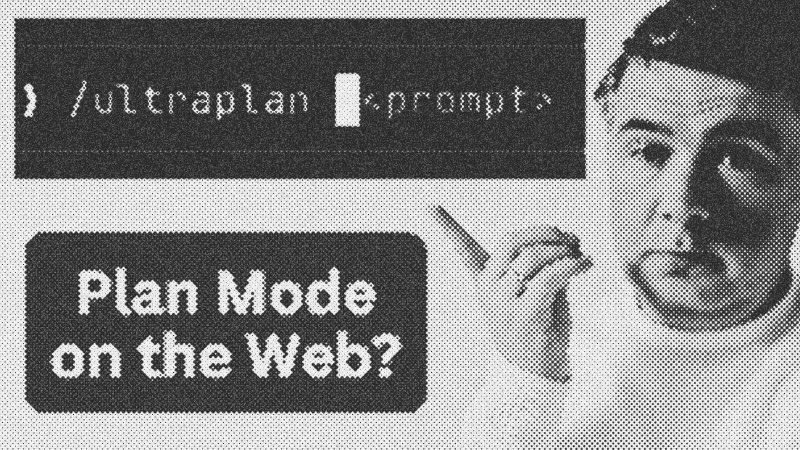
Claude Code now includes a feature called Ultra Plan, designed to handle high-stakes architectural changes that outgrow the terminal's text-based constraints. When developers initiate a massive refactor—such as migrating a Laravel project from Livewire to React—the tool offers a transition to the web. This "Ultra Plan" mode generates a visual, structured overview of the proposed changes, providing a much richer review surface than standard CLI output.
Moving local files to the cloud
One of the most striking technical aspects of this workflow is its ability to operate on local codebases without requiring a remote repository. Even if you haven't pushed your code to GitHub, the tool reads your local files and transmits the necessary context to Anthropic's web environment. This allows Claude to build a detailed draft plan that includes code snippets, execution orders, and even diagrams, all accessible through the browser while the terminal remains in a waiting state.
Seamless teleportation between environments
The integration features a "teleport back to terminal" function that bridges the gap between high-level planning and local execution. Once a developer approves the plan on the web, the instructions are synced back to the local instance. By using the /ultraplan command, you can delegate the heavy lifting of drafting complex logic to the cloud. This is particularly useful for long-running tasks, as it potentially allows the developer to close their terminal or move between machines while the planning process matures in the web interface.
Syntax and CLI integration
Accessing this feature is straightforward within the Claude Code CLI environment. You can trigger it directly using slash commands or select it as an option when a plan becomes too dense for comfortable terminal reading.
# Triggering the cloud-based refinement
/ultraplan
When executing these plans, developers often use flags like --dangerously-skip-permissions to allow Claude to perform broad file operations, such as removing old dependencies and creating new component structures in parallel. While the web UI displays progress through markdown and visual lists, the terminal handles the actual file system mutations once the plan is approved.
- Claude
- 22%· products
- Claude Code
- 22%· products
- Anthropic
- 11%· companies
- GitHub
- 11%· products
- Laravel
- 11%· products
- Other topics
- 22%
I Tried NEW /ultraplan in Claude Code
WatchAI Coding Daily // 5:49

This channel is not for vibe-coders. It's for professional devs who want to use AI as powerful assistant, while still keeping the control of their codebase. My name is Povilas Korop, and I'm passionate about coding with AI. So I started this THIRD YouTube channel, in addition to my other ones Laravel Daily and Filament Daily. You will see a lot of my experiments with AI: I will try new things and share my discoveries along the way.