Mastering Slash Commands and Agents in Claude Code
Overview of Structural Code Review
Software development often suffers from a gap between "working code" and "complete features." Claude Code allows you to bridge this gap by implementing custom slash commands and specialized agents. Instead of generic chat interactions, you can create a dedicated Structural Completeness Reviewer. This setup acts as a final guardian against technical debt by auditing dead code, change completeness, and cross-layer integration. It ensures that when you add a field to a model, you haven't forgotten the database index, the UI filter, or the data seeder.
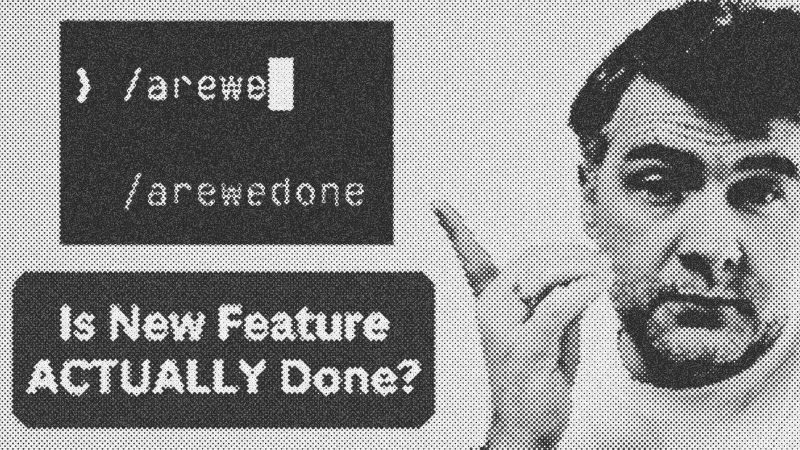
Prerequisites and Tools
To follow this guide, you should have Claude Code installed and a basic understanding of repository structures. Key tools include:
- Claude Code CLI: The primary environment for executing commands.
- Claude Models: Specifically Claude 3.5 Sonnet or Claude 3 Opus.
- Markdown: Used for defining agent instructions and command logic.
Creating Your Slash Command
You can bootstrap a command by simply asking the AI. For example, prompt: "Create a slash command called /are-we-done that calls the agent structural_completeness_reviewer." You have two choices for scope: Global (available across all projects) or Local (contained within the current project's .claude/commands directory).
Once created, open the generated .md file in your IDE. You can manually refine the logic by copying raw configurations from community repositories. A standard command structure typically includes the trigger name and the specific agent it should invoke.
Building the Specialist Agent
An agent is defined by its system prompt. Create a new folder named agents and a markdown file for your reviewer. The magic lies in the instructions. Rather than focusing on "code style," instruct the agent to act as a Technical Lead.
## Role: Structural Completeness Reviewer
Focus on:
- Dead code detection
- Dependency audit
- Feature parity across layers (e.g., Model vs. UI)
Practical Application and Token Usage
When you run /are-we-done, the agent analyzes uncommitted changes. In a real-world test on a quiz project, the agent correctly identified that while tags were added to questions, the corresponding database indexes and admin filters were missing. While these deep reviews consume more tokens—sometimes increasing session usage by several percentage points—the cost is negligible compared to the long-term price of accumulated technical debt.
- Claude Code
- 25%· products
- Claude 3 Opus
- 13%· products
- Claude 3.5 Sonnet
- 13%· products
- GitHub
- 13%· websites
- 13%· websites
- Other topics
- 25%
I Tried Claude Code Command/Agent To Review "Feature Completeness"
WatchAI Coding Daily // 7:55

This channel is not for vibe-coders. It's for professional devs who want to use AI as powerful assistant, while still keeping the control of their codebase. My name is Povilas Korop, and I'm passionate about coding with AI. So I started this THIRD YouTube channel, in addition to my other ones Laravel Daily and Filament Daily. You will see a lot of my experiments with AI: I will try new things and share my discoveries along the way.