Persistence and Orchestration: Mastering the Claude Code Task List
Overview of the Tasks System
Claude Code has evolved its project management capabilities by transitioning from simple to-do lists to a robust Tasks List feature. This isn't just a cosmetic update. It introduces a structured way for the AI to plan, execute, and track progress across complex software engineering workflows. By breaking down high-level requirements into atomic, interdependent steps, Claude Code ensures that developers stay informed while the agent maintains a clear state of execution. This matters because it provides transparency into the agent's logic and, more importantly, allows for state recovery if a session is interrupted.
Prerequisites and Configuration
To effectively use this feature, you should be comfortable with terminal-based development and basic JSON configuration. You will need the latest version of the Claude Code CLI. While simple requests trigger immediate action, complex multi-phase plans require the .cloud directory in your project root to store task metadata.
Key Libraries and Tools
- Claude Code CLI: The primary interface for interacting with Anthropic's coding agent.
- File System API: Used by the agent to create the
.cloud/tasksdirectory. - Task List ID: A unique identifier you can set in your global configuration to ensure task persistence across reboots.
Code Walkthrough: Task Persistence
By default, Claude Code creates temporary session-based tasks. However, you can make these tasks persistent by defining a taskListId in your claude_settings.json.
{
  "taskListId": "my-web-app-project"
}
When this is set, the agent creates a named folder in .cloud/tasks/ rather than a random session string. Inside, it generates individual JSON files for every task step. If your terminal crashes or you lose network connection, the state remains:
{
  "task": "Generate Laravel Filament Resource",
  "status": "in_progress",
  "blocked_by": ["task_01_database_migration"]
}
You can then resume by simply prompting the agent to "continue with the current task list."
Syntax Notes
Claude Code uses a specific tool-calling syntax to manage these. While the agent usually handles task_create and task_update internally, you can explicitly prompt it to show its work if it bypasses the planning phase for tasks it deems "too simple."
Tips and Gotchas
- Granularity: The agent skips the task list for operations taking under two minutes. If you want a checklist for a small task, you must explicitly demand it.
- Orchestration: Currently, the orchestrator agent controls the task list. Sub-agents may perform the work, but they do not typically modify the task list independently.
- Cleanup: Once a task list is fully completed, Claude Code typically clears the temporary JSON files. For long-term tracking, ensure your
taskListIdis properly mapped in settings.
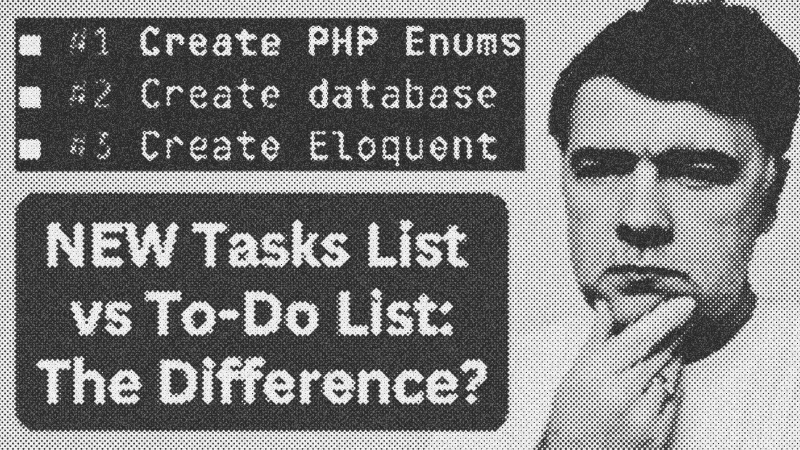
NEW in Claude Code: Tasks List - Not Just a Visual Change
WatchAI Coding Daily // 7:50

This channel is not for vibe-coders. It's for professional devs who want to use AI as powerful assistant, while still keeping the control of their codebase. My name is Povilas Korop, and I'm passionate about coding with AI. So I started this THIRD YouTube channel, in addition to my other ones Laravel Daily and Filament Daily. You will see a lot of my experiments with AI: I will try new things and share my discoveries along the way.