Debugging AI Coding Agents: Mastering the MCP Process
Overview of the New Debugging Paradigm
As developers transition to using AI coding agents, a shift in troubleshooting is required. We are no longer just debugging syntax errors or logical flaws in our source code; we are now debugging the process of the AI agent itself. When an agent behaves unexpectedly—such as consuming excessive tokens or providing irrelevant context—it often stems from a breakdown in the Model Context Protocol. This protocol allows AI models to interact with external tools, and if those tools return malformed or bloated data, your context window disappears rapidly.
Prerequisites and Key Tools
To follow this guide, you should be familiar with the following:
- Claude Code: The CLI-based agent for Anthropic's Claude models.
- Laravel Framework: Specifically the Laravel Boost package.
- MCP Architecture: Understanding how tools provide external data to LLMs.
- Terminal Shortcuts: Familiarity with CLI navigation and command flags.
Debugging Technique 1: Real-Time Inspection
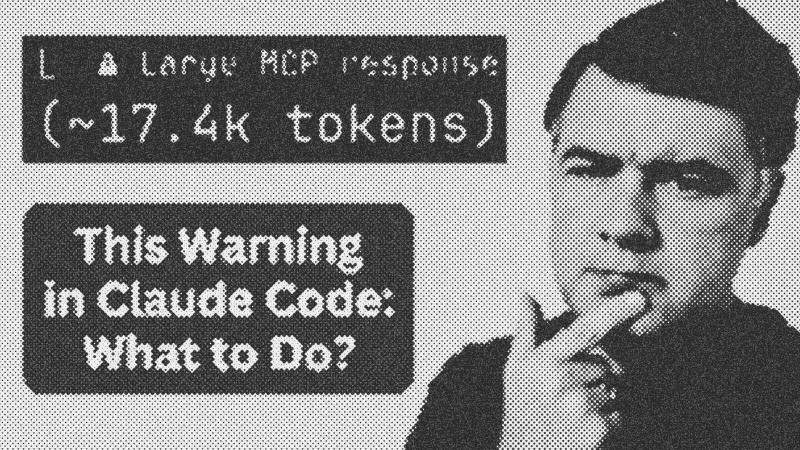
When Claude Code is running a task, it often hides the raw data exchange behind a progress bar. However, visibility is your best friend when an agent seems "stuck" or slow.
The Expand Command
While the agent is working, use the following shortcut to see exactly what is happening under the hood:
Ctrl + O: This expands the current tool output.Ctrl + E: This allows you to browse earlier messages in the session history.
By expanding the output, you can inspect the raw JSON returned by an MCP tool. In one instance, a database schema tool meant to fetch tables for a single Laravel project was actually returning every table from the entire local MySQL server—150 tables instead of the expected 10. This visibility immediately identifies the source of token bloat.
Debugging Technique 2: Prompt-Based Analysis
You can actually instruct the AI to perform self-monitoring. By appending specific instructions to your prompt, you force the model to report its own resource usage.
[Your Task Description Here]

When done, list all MCP tools used and their specific token counts.
This creates a post-execution report where the agent analyzes its own logs. It provides an estimated token usage per tool call, making it easy to spot "heavy" calls. For example, a single database schema fetch might consume 10,000 tokens (5% of a 200k context window), which is a clear signal that the tool needs better filtering or scoped queries.
Syntax and Tips
When writing custom MCP tools or using external ones like those in GitHub repositories, always implement filters. If a tool fetches a database schema, it should accept a tables filter to limit scope.
Best Practices:
- Verify Scoping: Ensure the tool only accesses the current project's environment variables.
- Monitor Tokens: Keep an eye on the 200k context limit; excessive MCP noise will cause the agent to "forget" earlier instructions.
- Contribute Back: If you find a bug in an open-source MCP like Laravel Boost, document the JSON output and submit a pull request.
- Laravel Boost
- 20%· products
- Anthropic
- 10%· companies
- Claude
- 10%· products
- Claude Code
- 10%· products
- GitHub
- 10%· companies
- Other topics
- 40%
How to Debug External MCP Problems (My Real Story)
WatchAI Coding Daily // 5:12

This channel is not for vibe-coders. It's for professional devs who want to use AI as powerful assistant, while still keeping the control of their codebase. My name is Povilas Korop, and I'm passionate about coding with AI. So I started this THIRD YouTube channel, in addition to my other ones Laravel Daily and Filament Daily. You will see a lot of my experiments with AI: I will try new things and share my discoveries along the way.