Adam Savage warns that malicious USB cables bypass standard security settings
The humble USB drive is no longer just a storage device; it is a potential digital landmine. Adam Savage, legendary maker and former MythBuster, has long maintained a strict "zero trust" policy toward hardware handed to him at conventions. While many fans offer USB drives with genuine intent to share their work, the inherent risk of the hardware itself makes plugging them in a gamble that no professional should take. Modern malicious hardware has evolved far beyond simple infected files to include devices that can physically manipulate a computer's most basic input systems.
Why standard USB blocks fail against malicious devices
Most users believe they can protect themselves by disabling USB mass storage in their OS settings. However, the most sophisticated threats, such as those demonstrated by the security experts at ThreatLocker, don't identify as storage at all. They present themselves as human interface devices, specifically keyboards. When a computer detects a new "keyboard," it typically grants it immediate permission to send keystrokes without user intervention. This allows the device to open a terminal, execute a PowerShell script, and begin exfiltrating data to Google Cloud or other legitimate services in seconds, effectively bypassing antivirus and endpoint detection.
The hidden mini-computers inside charging cables
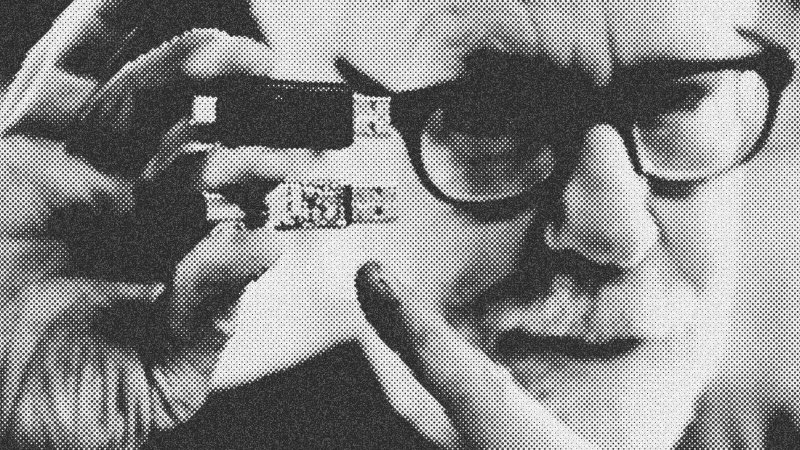
The threat landscape has shrunk to an alarming degree. Security experts revealed that even a standard-looking charging cable can house a mini-computer capable of running Linux and hosting a Wi-Fi chip. These devices can be programmed remotely or used as a physical bridge to intercept data. Because these peripherals are designed for convenience, they exploit the machine's inherent desire to be user-friendly. Once the connection is established, an attacker can take periodic screenshots, record every keystroke, or use built-in Windows tools like curl to upload sensitive documents to a remote server.
Moving toward a zero-trust hardware environment
To combat these invisible threats, security experts advocate for a Zero Trust Security model. This doesn't just mean not plugging in random drives; it means limiting the permissions of every piece of software on your machine. By blocking built-in tools like command prompts and PowerShell from accessing the internet unless specifically required for a job, you create a "crash barrier." Even if a malicious device successfully executes a script, it won't have the permissions necessary to phone home or access your private directories. In the hardware world, the rule is simple: if you didn't buy the cable or drive yourself, it doesn't touch your motherboard.
- Adam Savage
- 11%· people
- curl
- 11%· products
- Google Cloud
- 11%· companies
- Linux
- 11%· products
- PowerShell
- 11%· products
- Other topics
- 44%
Why Adam Savage Won't Trust USB Keys
WatchAdam Savage’s Tested // 17:36

Adam Savage’s Tested is a content platform and community playground for makers and curious minds. On Tested.com, the highly- engaged Tested YouTube channel, and at conventions and events, dynamic makers share ideas and inspire each other to build their obsessions. Led by Adam Savage, the Tested team explores the intersection of science, popular culture, and emerging technology, showing how we are all makers. Adam also takes viewers behind the scenes of films, TV shows, theater, and museums, shining a spotlight on the craftspeople and artists who make the magic we all enjoy. Tested is also: Norman Chan, Joey Fameli, Josh Self, Kristen Lomasney and Thomas Crenshaw.