OLED Longevity: Surviving 3,000 Hours of Hard Use
The 3,000-Hour Torture Test
OLED panels often carry a reputation for fragility, with the looming specter of burn-in haunting every purchase decision. I decided to ignore the typical cautionary advice and put an LG 32-inch Dual Mode OLED through a brutal two-year stint. This wasn't a curated lab test; it was real-world abuse. I ran the panel at 80-100% brightness using apps with heavy static UI elements like DaVinci Resolve and Fusion 360, alongside hundreds of hours in Overwatch 2.
Pixel Peeping the Damage
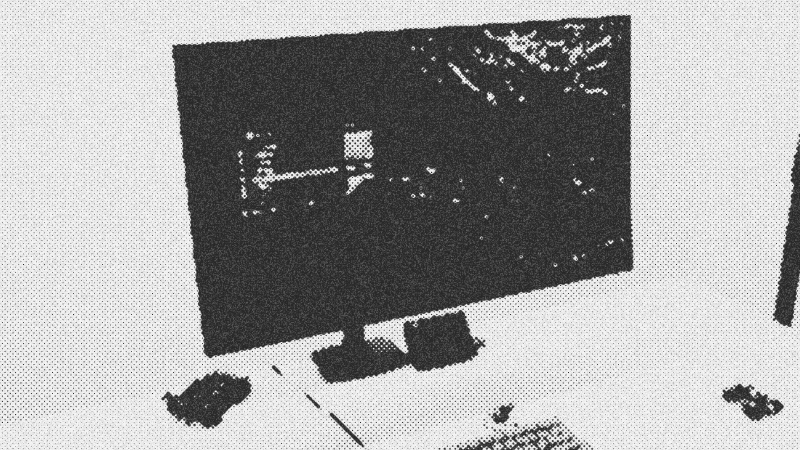
After ticking over 3,000 hours, I hunted for the damage. Under normal operation, the screen looks flawless. However, switching to full-screen gray and blue slides reveals the truth. The Overwatch 2 health bar created a faint ghost in the bottom left, and a blue background exposed a slight outline of a player card hexagon. These are near-white static elements, effectively the worst-case scenario for organic LEDs. Crucially, these artifacts remain invisible during actual gameplay or video editing.
Practical Protection Strategies
Maintaining this level of performance required a few pragmatic habits rather than obsessive babying. I leave the LG burn-in assist features on default, specifically the automatic image cleaning that triggers during power-off. I also set a aggressive 15-minute display sleep timer in Windows and keep the taskbar hidden. These small adjustments prevent the "burn-in for the bin" scenario many fear, proving that modern panels are significantly more resilient than their ancestors.
The Verdict: Quality Over Paranoia
The upgrade from LCD to OLED is non-negotiable for serious hardware enthusiasts. The true black levels in DaVinci Resolve and the vibrant response in fast-paced shooters provide a physical advantage and aesthetic satisfaction that far outweighs the risk of minor, invisible-to-the-eye pixel degradation. If you play a variety of content, the risk is negligible. Even for power users, the 3,000-hour mark shows that with sensible settings, these monitors are built to last.
- DaVinci Resolve
- 25%· products
- Overwatch 2
- 25%· games
- Fusion 360
- 13%· products
- LG
- 13%· companies
- LG 32-inch Dual Mode OLED
- 13%· products
- Windows
- 13%· products
My OLED burn-in after 3000hrs.
Watchoptimum // 6:05
