The High Cost of Free Software: Quantifying the Bloatware Tax
The Hidden Performance Penalty
Every time you unbox a new Microsoft PC, you are likely inheriting a digital graveyard of trialware and redundant utilities. What manufacturers market as "value-added software" frequently operates as a parasite on your system resources. While a single pre-installed app might seem harmless, the cumulative effect of background processes, notification agents, and auto-updaters creates a measurable drag on hardware performance. We tested a factory-bloated Dell Tower Plus desktop to see exactly how much performance is left on the table.
The Economics of Pre-Installed Junk
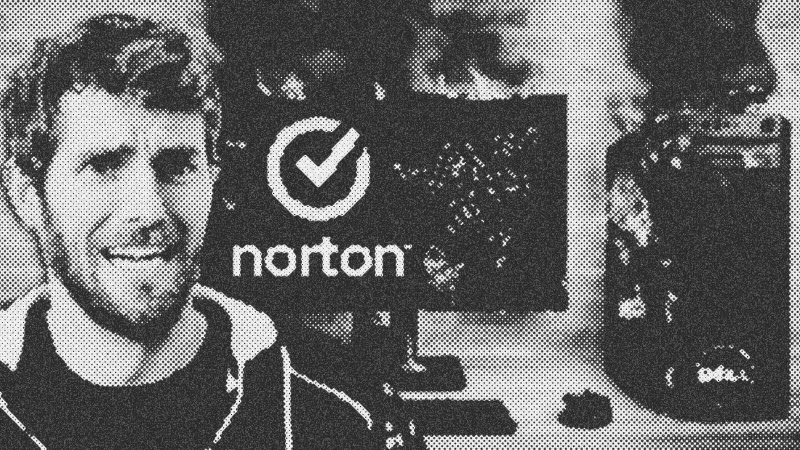
Bloatware exists because PC margins are razor-thin. Manufacturers like Dell and Sony historically used pre-installed software to subsidize the cost of hardware. In the early 90s, this was a convenience for users with slow internet. Today, it has evolved into a "race to zero" where your computer functions as an ad delivery system. Some companies have even charged users up to $50 just for the privilege of a clean installation, proving that these software partnerships are worth significant revenue to the hardware vendors.
Testing the "Say Yes" Scenario
To push this to the limit, we spent an hour accepting every possible software offer, from McAfee to Razer Synapse. The results were staggering. A system loaded with standard consumer bloat took an additional 30 seconds to boot and consumed 7% more power at idle. However, the real damage occurred when we added gaming peripheral software like Armoury Crate and Corsair iCUE. This "peripherally transmitted infection" caused performance to tank by 16% in synthetic benchmarks—effectively downgrading the CPU to a lower tier.
Implications for Power and Gaming
For gamers, the impact is particularly felt in frame consistency. While average frame rates might hold steady, 1% lows—the metric that defines how smooth a game actually feels—can be cut in half. Furthermore, the idle power consumption jumped from 38 watts to 61 watts, a 60% increase. For organizations, managing this mess requires sophisticated tools like ThreatLocker, which uses ringfencing and allow-listing to prevent unauthorized software from hijacking system resources without the performance overhead of traditional bloated security suites.
- Apple
- 8%· companies
- Armoury Crate
- 8%· products
- CCleaner
- 8%· products
- Corsair iCUE
- 8%· products
- Dell
- 8%· companies
- Other topics
- 58%
I said YES to every Bloatware Pop-up
WatchLinus Tech Tips // 14:09

Linus Tech Tips is a passionate team of "professionally curious" experts in consumer technology and video production who aim to educate and entertain. Sponsorship Inquiries: [email protected]