The Art of the Archive: Designing Heritage Book Covers
The Philosophy of the Shelf
Designing a book cover begins long before the first stroke in a digital canvas. You must consider the final resting place of the volume. A well-bound book is a conversation with its neighbors. To maintain aesthetic harmony, match the leather color and height to existing collections. If a book stands alone, like a unique business text, choose a timeless black to ensure it remains versatile. Consider the role of the book: should it be a focal point or serve as architectural negative space? Subdued gold tones often provide a more reverent, historical feel than modern, reflective foils.
Drafting the Blueprint
Once you establish the theme, move to technical layout. Using Adobe or similar vector software, draw boxes to represent the covers and spine. Add a quarter-inch margin beyond the text block dimensions. The spine requires specific attention; traditional aesthetics demand "hubs" or raised bands—usually four—to create a rhythmic, tactile experience. Reserve one-third of the spine for the title, ensuring horizontal text if the surrounding books follow that convention. This structure honors the physical geometry of the craft.
Curating Motifs and Symbols
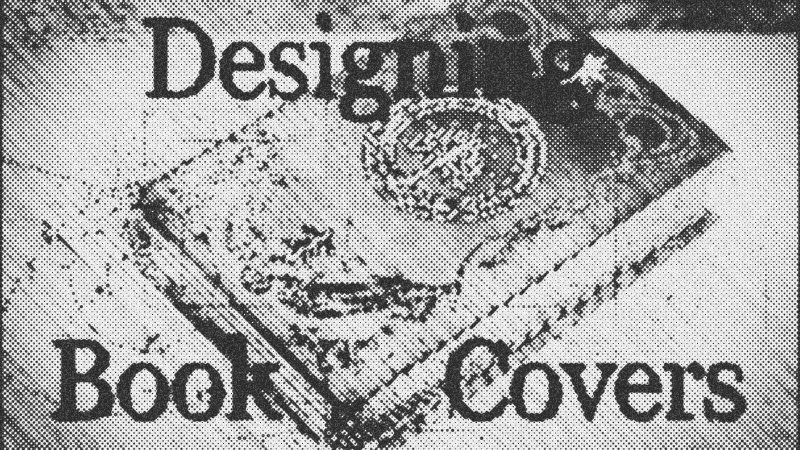
To achieve a professional finish, emulate the traditional binder's limitation. Ancient masters used specific heated stamps; you should likewise select a small, curated set of images to build your patterns. Search for high-contrast silhouettes that reflect the book's soul—perhaps dollar signs for a finance book or medieval tapestries for fantasy. Symmetry is the bedrock of classic design. Flip and rotate your chosen stamps to create borders that feel like organic growth rather than digital repetition.
Tools and Materials Needed
To bridge the gap between digital design and physical leather, you require:
- Design Software: Adobe or any tool exporting SVG or DXF formats.
- Vinyl Cutter: A precision machine to translate digital paths into physical cuts.
- Heat Transfer Vinyl: Typically in gold or metallic tones to mimic traditional gilding.
- Leather-Bound Text Block: The physical foundation of your project.
Technical Mastery for the Machine
A vinyl cutter is not a printer; it is a robot that follows mathematical paths. To succeed, you must convert all strokes into volumetric shapes. If you leave a line as a simple stroke, the blade will only cut the center path, losing the intended thickness. Furthermore, fuse all overlapping shapes into a single path. If you neglect this, the machine will cut through your design, ruining the integrity of the vinyl. Reversing highlights is also critical: in bookbinding, the vinyl represents light, while the dark leather provides the shadows.
Troubleshooting and Final Vision
If your designs lack crispness, check your file format. Never rely on the cutter’s internal software to trace a JPEG; the translation inevitably loses resolution. Always export as a true vector. If a design feels too "busy," increase the negative space to allow the leather's natural grain to breathe. The result of this meticulous process is a transformation—a modern text elevated to the status of a legacy object.
- Adobe
- 22%· companies
- Adobe Illustrator
- 11%· products
- Austin Andrus
- 11%· people
- Cricut Design Space
- 11%· products
- DXF
- 11%· products
- Other topics
- 33%
How to Design Original Book Covers: DIY Bookbinding Tutorial
WatchIngenius Designs // 10:54

At Ingenius Designs, we collect hobbies like some people collect stamps, but unlike stamps we don't want to leave the collection in a dark closet somewhere. Join us as we share our art and other creations, along with tutorials for any discoveries we make along the way!