Asyncio Finally Explained: Mastering the Python Event Loop
Overview of Asynchronous Execution
Asynchronous programming in Python allows you to run CPU-bound operations while waiting for IO-bound tasks to complete. This is the difference between a server that hangs while reading a file and one that remains responsive to other clients. When your application interacts with APIs, databases, or local file systems, asyncio prevents the "blocking" behavior that typically kills performance in synchronous applications.
The Event Loop Mechanics
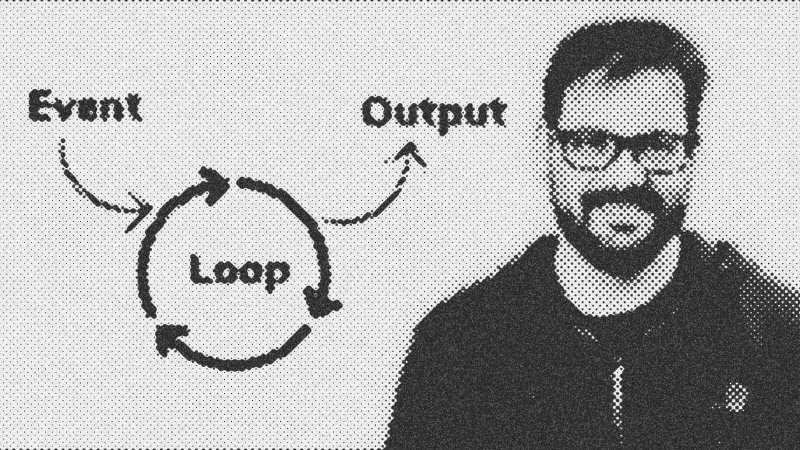
The Event Loop is the engine driving concurrency. It operates within a single thread, managing a queue of tasks. The loop checks each task's status; if a task is waiting for an IO response, the loop moves to the next task instead of idling. Once the IO operation completes, the loop marks the task as ready and resumes execution. In modern Python, asyncio.run() abstracts this complexity, automatically creating, managing, and closing the loop for you.
Key Libraries & Tools
- asyncio: The standard library for writing concurrent code using async/await syntax.
- aiofiles: Essential for non-blocking local file system operations.
- aiosqlite: An asynchronous wrapper for SQLite databases.
- aiohttp: A library for making concurrent HTTP requests, serving as an alternative to the synchronous
requestspackage.
Code Walkthrough: Building an Async Server
Compare a synchronous server to an asynchronous one. A synchronous socket server blocks every other client until the current request finishes. An async version uses the start_server function:
import asyncio

async def handle_client(reader, writer):
    data = await reader.read(100)
    # Process data concurrently
    writer.close()
    await writer.wait_closed()

async def main():
    server = await asyncio.start_server(handle_client, '127.0.0.1', 8888)
    async with server:
        await server.serve_forever()

asyncio.run(main())
The async keyword marks the function as a coroutine, and await signals the event loop that it can pause execution here to handle other tasks while waiting for the network response.
Syntax Notes: Gather vs. TaskGroup
While asyncio.gather is a common way to fire off multiple tasks, Python 3.11 introduced Task Groups. These provide a cleaner way to manage multiple coroutines. Task Groups handle exceptions more robustly; if one task in a group fails, the others are canceled, and exceptions are bundled into an Exception Group for easier debugging.
Practical Examples & Tips
Use concurrency for scraping multiple web pages simultaneously or handling high-traffic FastAPI endpoints. Gotcha: Never put a blocking call (like time.sleep()) inside an async function. It stops the entire event loop, defeating the purpose of async. Always use asyncio.sleep() instead.
- asyncio
- 20%· software
- aiofiles
- 10%· software
- aiohttp
- 10%· software
- aiosqlite
- 10%· software
- Event Loop
- 10%· concepts
- Other topics
- 40%
Asyncio Finally Explained: What the Event Loop Really Does
WatchArjanCodes // 13:34

On this channel, I post videos about programming and software design to help you take your coding skills to the next level. I'm an entrepreneur and a university lecturer in computer science, with more than 20 years of experience in software development and design. If you're a software developer and you want to improve your development skills, and learn more about programming in general, make sure to subscribe for helpful videos. I post a video here every Friday. If you have any suggestion for a topic you'd like me to cover, just leave a comment on any of my videos and I'll take it under consideration. Thanks for watching!