Laravel 13.6 cuts server load with debounced queue jobs
New Efficiency for High-Frequency Dispatches
Laravel introduces debounced queue jobs, a feature designed to prevent redundant processing when the same task is triggered multiple times in rapid succession. In scenarios like bulk record updates, a typical observer might fire dozens of identical jobs to recalculate a single total. Debouncing ensures that only the final dispatch actually executes after a specified quiet period, saving significant CPU cycles and database resources.
Prerequisites and Implementation
To implement this, you should be comfortable with Laravel's queue system and the basics of job dispatching. You will need a project running version 13.6 or higher and a configured queue driver—though a database driver works perfectly for local testing.
Key Libraries & Tools
- Laravel Framework 13.6: The core PHP framework providing the new debounce functionality.
- Queue Workers: The background processes that execute your dispatched jobs.
- Cache Driver: Required to track the state of debounced jobs across different processes.
Code Walkthrough
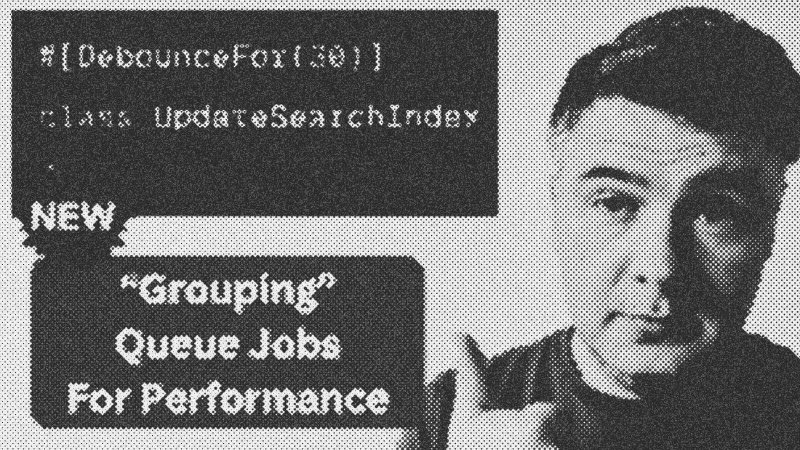
Implementing a debounced job requires minimal changes to your existing job classes. You simply define the debounce property or method within the class.
namespace App\Jobs;

use Illuminate\Contracts\Queue\ShouldQueue;
use Illuminate\Foundation\Queue\Queueable;

class RebuildCustomerStats implements ShouldQueue
{
    use Queueable;

    // Only the last job dispatched within 30 seconds will run
    public $debounce = 30;

    public function handle(): void
    {
        // Expensive calculation logic here
        sleep(2);
    }
}
When you call RebuildCustomerStats::dispatch(), the framework checks if a job of the same type is already waiting. If so, it resets the timer. The job only moves to the processing stage once the 30-second window closes without another dispatch.
Syntax Notes and Customization
You can also utilize dynamic debouncing by adding a debounce method to your job. This allows you to adjust the wait time based on the specific data being processed or environment variables. Furthermore, developers can use maxWait to ensure a job eventually runs even if dispatches keep flooding in, and customize the cache store to avoid interference with other application data.
Practical Examples
Consider a Filament admin panel where a user performs a bulk action on 50 orders. If an observer dispatches a CalculateLifetimeValue job for every order, your queue will be flooded. With debouncing, those 50 dispatches collapse into a single execution, occurring only after the bulk update finishes.
Tips & Gotchas
Ensure your cache driver is reliable; if the cache fails, debouncing logic may revert to standard dispatching. Remember that debouncing is unique per job class and its arguments. If you dispatch jobs with different parameters, they will be treated as distinct sets and will not debounce against each other.
- Laravel
- 40%· products
- Filament
- 20%· products
- Matthew
- 20%· people
- Taylor Otwell
- 20%· people
NEW in Laravel 13.6: Debounced Queue Jobs
WatchLaravel Daily // 6:31
